Automation
Deploy from a script, a pipeline or an agent.
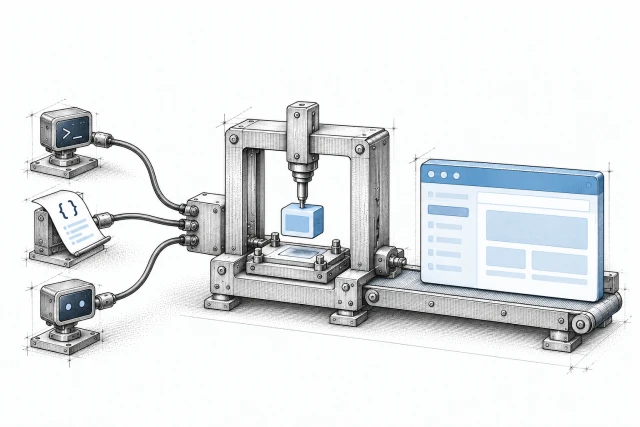

Use the same application controls from your terminal, CI or a coding agent. Start with a scoped token, choose an environment and follow the result.
Install the CLI
curl -fsSL https://strackt.sh/cli | shUse the app controls together.
The CLI
Deploy and roll back; manage apps, environments, configuration with a diff before it applies, secrets, domains, logs, checkpoints and SSH. Add --json for structured output.
The REST API
Versioned under /api/v1, with an OpenAPI 3.1 reference. The CLI is built on the same API your code can call.
Webhooks Beta
Signed events when a deploy, an environment or servers change, so your tools hear about it without polling.
Managed commands and WP-CLI Beta
Run managed commands or WP-CLI against a selected environment.
Gate a pipeline on a deploy.
Wait for the result
strackt deploy --wait polls until the deploy finishes. It exits 0 on success; failure, cancellation or a wait timeout exits 1. Invalid wait options exit 2.
Keep retries together
Reuse --idempotency-key for retries of the same request and body. A new CLI invocation otherwise gets a fresh key. Cached API responses expire after 24 hours and can be lost if the cache restarts.
Scope the token
Create a token in the dashboard with the Deploy from CI preset. --wait needs application:read as well as deploy.
Or push from Git
Push-to-deploy works with GitHub, GitLab, Bitbucket Cloud and Gitea. Pull-request previews and deploy feedback in the pull request are GitHub-only today.
A CI job, with an explicit target
set -eu

strackt auth:token --profile=production --protected \
  --token="$STRACKT_API_TOKEN" -n

strackt deploy --profile=production --env="$STRACKT_ENV_ID" \
--wait --json -n --idempotency-key="$STRACKT_DEPLOY_KEY"What waiting means
Without --wait, a non-interactive deploy returns when queued. With --wait, the default timeout is 900 seconds; --timeout sets a positive whole number of seconds. A timeout stops waiting, not the deploy. Check the operation before starting more work.
- If server configuration has to apply first, v0.8.0 follows the first deploy created for that environment after the update. Keep competing deploys out of that interval: the API does not link the two operations.
Built for coding agents. No MCP server needed.

Questions switch off
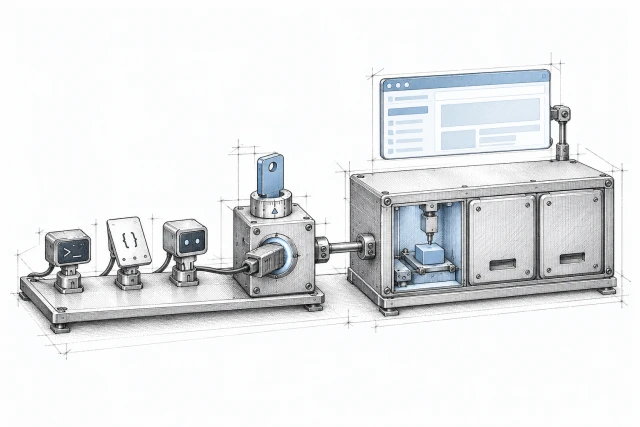
Claude Code, Codex, Cursor and OpenCode sessions are recognised automatically. Use --json for structured output and -n to turn off interactive questions explicitly.
A skill to start from
strackt skills:install claude installs the bundled recipes. The cursor and opencode targets are available too.
A map of the commands
strackt schema prints command names, arguments, options and error types as JSON.
Errors to act on
Typed errors describe the failed request. A blocked operation can name the work that holds it, so your agent can wait or ask you.
Access that expires
strackt ssh opens a shell with a short-lived signed certificate. Use scoped tokens and select profiles explicitly for production work.
Docs it can read
The website and product docs publish llms.txt and Markdown pages for coding agents.
A plain REST API, with the details right.
Tokens
Tokens are bound to a workspace and shown once. Create and revoke them in the dashboard; changes are recorded in the activity log.
Requests
Mutating requests accept idempotency keys. A cached replay carries Idempotent-Replayed. The limit is 60 requests a minute per token.
Streaming and change
Operations stream as server-sent events. The CLI surfaces deprecation warnings.
What the CLI and API do, and don't, today.
In the dashboard
Firewall, server setup, maintenance windows, backup controls, preview settings, your team and API token creation remain in the dashboard. The CLI can apply pending server configuration.
No MCP server
On purpose: the CLI is the interface for agents. Anything that can run a command can use it.
Review destructive work
-n and recognised agent sessions turn off questions. Some destructive commands then run without confirmation. Do not treat non-interactive mode as an approval check.
No packaged CI action
Use the CLI in your pipeline; there is no packaged GitHub Action.
Before 1.0
Examples target v0.8.0. Commands, flags, exit codes and JSON follow semantic versioning, but minor releases can change them before 1.0.
Where it runs
PHP 8.4 or newer. strackt ssh runs on macOS and Linux with local OpenSSH and PHP’s pcntl extension.