Server work
Everything under your code, taken care of.
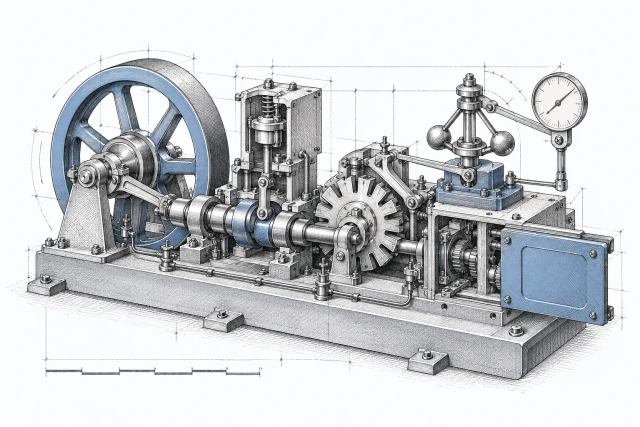

Your app is deployed. We handle security fixes, reboots, upgrades and the recorded setup beneath it. Here is the work, one chore at a time.
Your first app is on us
Everything under your code is ours. Your code and its packages stay yours.
The app is what you build. Here is where our work starts, and where it stops.
Ours · everything under your code
- The operating system and its security fixes.
- Runtimes and supported versions.
- Databases, caches and queues on your servers.
- The recorded setup, certificates and reboots.
- Backups in your own storage. Beta
Yours · your code, and where it runs
- Your app and its packages, including vulnerable dependencies in your repository.
- Your servers, billed by your provider.
- Your backup storage, billed by your storage provider.
- Your access, whenever you want it.
You can leave strackt and keep your app running on your servers. The checked handover, with your own SSH key and a guide, is in beta. How we hand you back the keys.
The chores
Seven chores, done for you.
01 · Security fixes
No longer your job: Patch the servers when a fix is released
Fixes within 24 hours, as they’re released.
We apply security fixes within 24 hours, onto the running servers. Most need no reboot. Advisories are matched against the packages each runs.
- Restart workers onto the fixed runtime and check the version they are running. Beta

02 · Reboots
No longer your job: Pick a night to reboot
Only a reboot waits for your window.
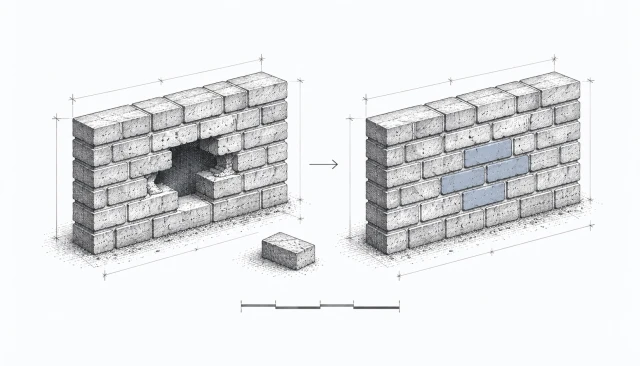
Fixes arrive continuously. Routine reboots land in the window you pick, in your timezone, with seven days’ notice. You can postpone once. Expedited security reboots use your window after a 72-hour lead time. An actively exploited flaw overrides the window: reboot within 24 hours, with four hours’ notice. Reboots briefly interrupt service.
03 · Upgrades
No longer your job: Upgrade the system before support ends
Major versions, with checks first.
We prepare operating-system upgrades from the recorded setup and check compatibility before switching. Runtime and database upgrades follow supported versions and their upgrade policy; some need an explicit redeploy. Your app and its packages remain yours to update.

04 · Known state
No longer your job: Find out what changed on the servers
The setup matches what was recorded.
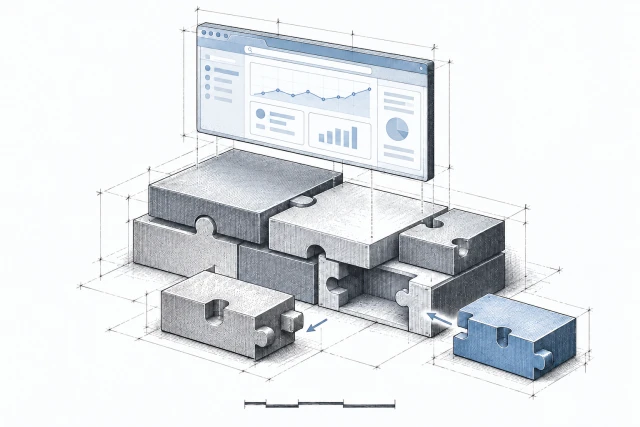
Packages, services, users and firewall rules are recorded. Each managed configuration change brings the setup back into line. The previous working setup stays available. Your app’s data is protected separately.


05 · Backups
No longer your job: Set up backups and check their runs
Copies at three distances. Beta
Local snapshots, copies on other servers, and encrypted copies in your own storage protect against different losses. You choose the destinations. We check backup runs and storage health; those checks are not restore tests. Off-server copies need a configured destination.
On the same servers
On supported storage, local snapshots give you a restore point before changes. Application files and database snapshots are separate.
On other servers
A configured server destination keeps an off-server copy. You choose its schedule and retention.
In your own storage Beta
Encrypted copies in your S3-compatible storage protect against losing the source servers or their provider account. Keep the recovery key.

06 · Recovery
No longer your job: Undo a change that broke the app
Pick the recovery point for what went wrong.
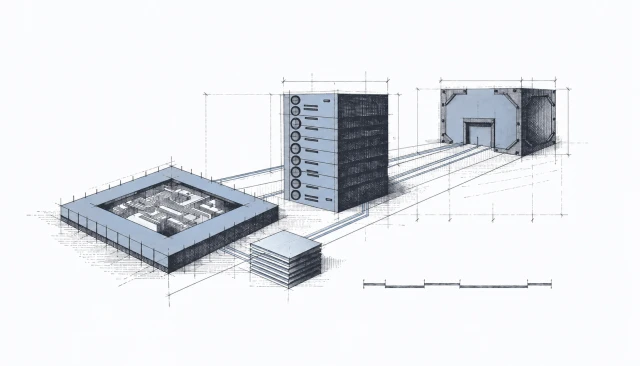
A bad deploy rolls back to the previous code release. After a bad migration, the database comes back from an available database snapshot. A configuration rollback changes the setup; it does not rewind your data.
- If servers are lost, start a replacement from the recorded setup and restore available off-server copies. Replacement needs your confirmation; it is not automatic. Beta

07 · Certificates and checks
No longer your job: Renew certificates before they expire
Certificates and checks, kept up.
Certificates are issued and renewed automatically. DNS and certificate health checks flag what needs attention, so a missed renewal is not another task on your list.
See what changed.
The activity log records changes, their timing, who started them and their result. Open an operation for its details, including package changes and security fixes. Successful automatic updates stay in the log without a per-update notification. Failures still notify you; work that changed nothing stays out of the list.
Configuration history records backup setup; Protection shows restore points and backup health. Urgent reboots appear as Urgent security restart.
Activity · acme-web
Server Activity tab · example
Example activity
-
Automatic update1m 12s
strackt, automatically · Completed
-
Configuration applied54s
Jan Peter · Completed
-
Scheduled restart46s
strackt, in your maintenance window · Completed
Updates that changed nothing are not listed